OpenAI's new agent that returns finished work instead of a chat reply. What it actually does, and how to run your first task, in five steps.
Chat gives you an answer. Work gives you a deliverable.
An agent, not a chatbot
OpenAI released ChatGPT Work on July 9, 2026. It sits next to the normal Chat mode, but it behaves differently. You give it an outcome, not a question. It pulls context from your connected apps, breaks the job into steps, and works on its own until it hands back a finished file: a spreadsheet, a document, a slide deck, or a small web app.
1 Switch from Chat to Work
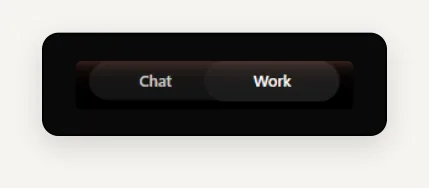
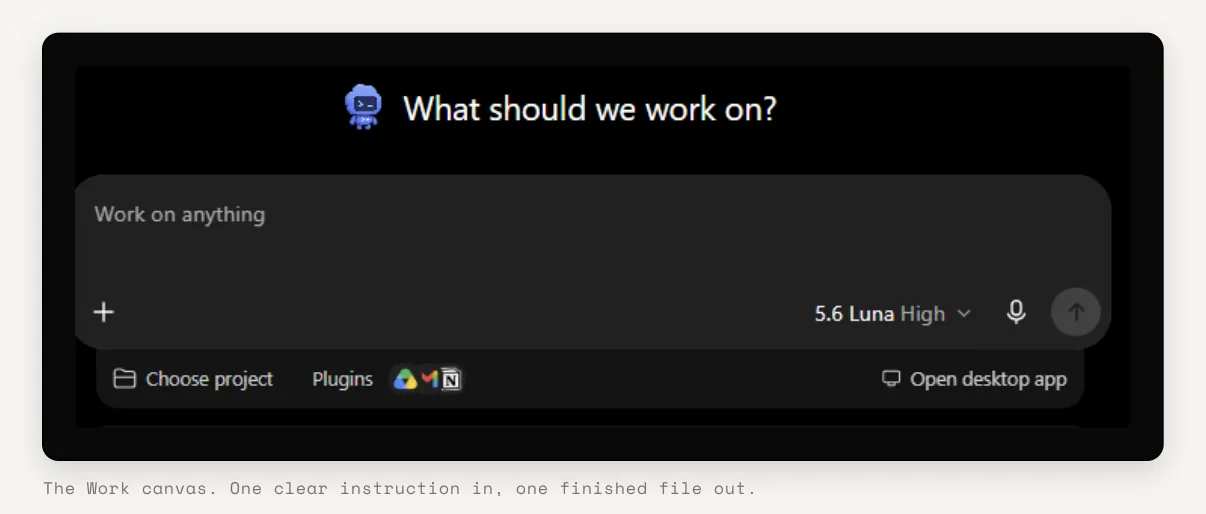
At the top of ChatGPT there is a Chat / Work toggle. Select Work. The screen changes to "What should we work on?". That wording is the tell: you are briefing a worker, not opening a conversation.
2 Describe the outcome, not the steps
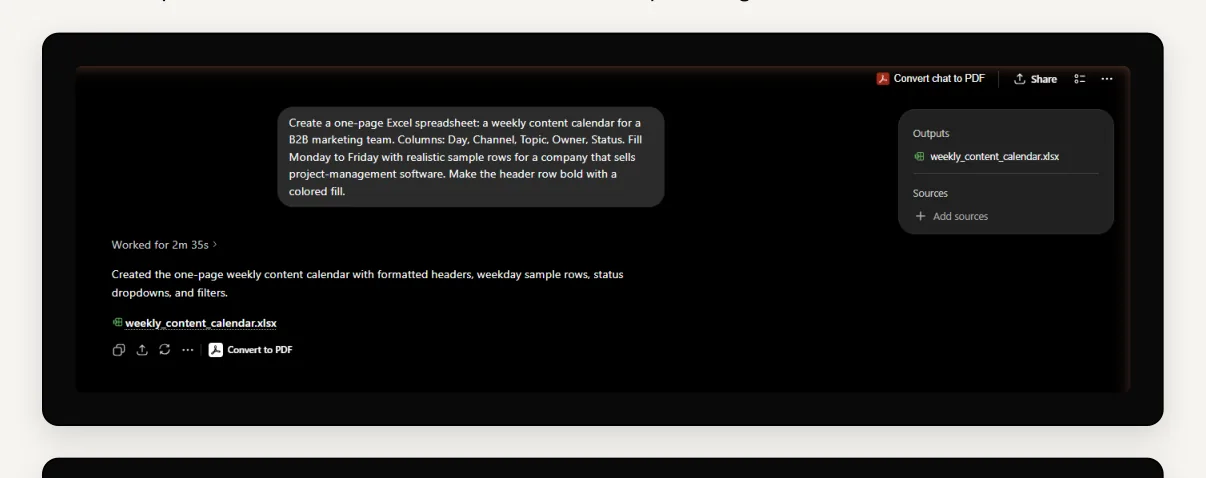
Type what you want to end up with, and be specific about format and content. The more concrete the brief, the less back-and-forth later. You can also attach files, choose a project, or connect apps from the same bar.
3 Pick the engine
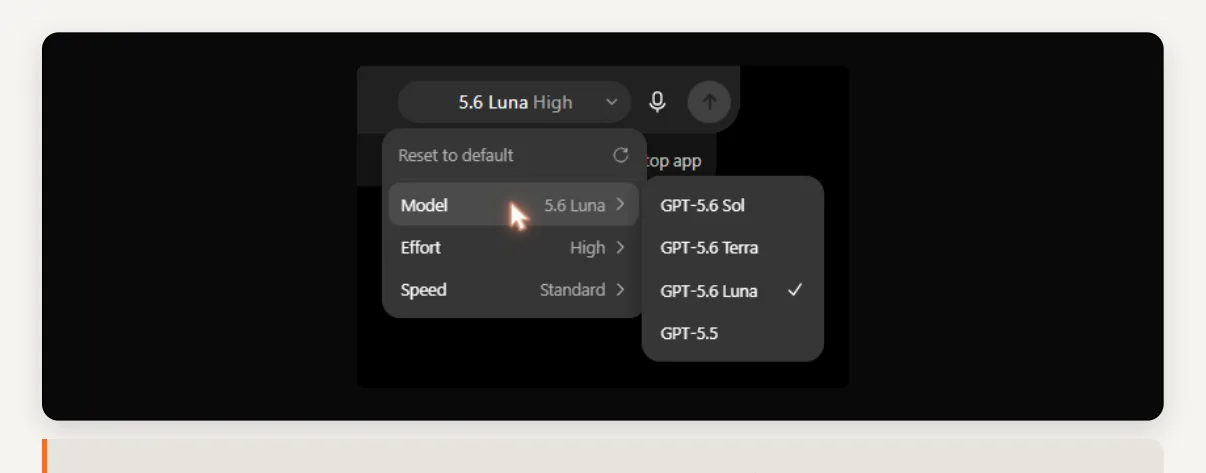
Work runs on GPT-5.6, which ships in three variants. You choose one, plus an effort and a speed level. That is a lot of knobs, so keep it simple:
| GPT-5.6 Sol | The most capable. Reach for it on complex, high-stakes work where the output has to be right. |
| GPT-5.6 Terra | Balanced. The sensible everyday default for most tasks. |
| GPT-5.6 Luna | The fastest. Best for simple, well-defined jobs where speed beats depth. |
4 Let it work
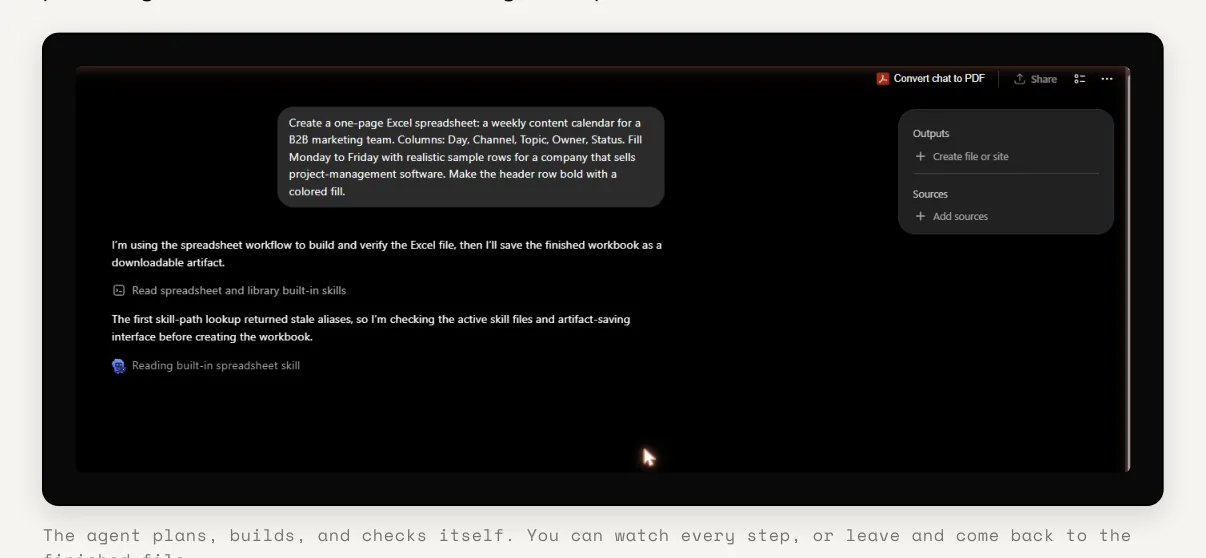
This is the part that feels new. Work does not answer in one shot. It plans, reads its own tools, builds, and checks its work, narrating each step as it goes. A side panel tracks Outputs (the files it is producing) and Sources (what it is drawing on). Expect it to run for a few minutes, not a few seconds.
5 Collect the finished file
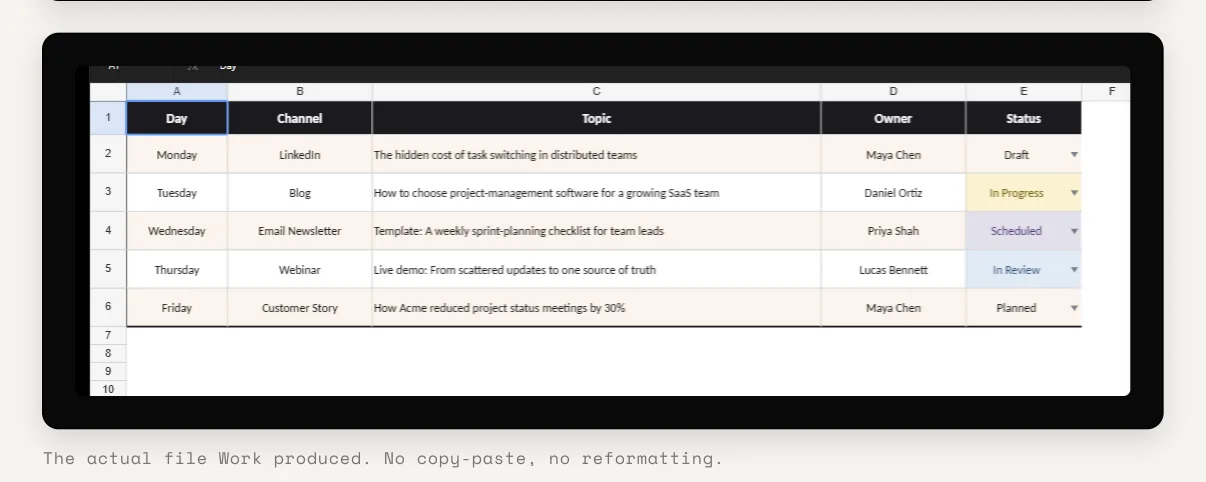
When it is done you get the deliverable, not a wall of text. In this run it produced a real Excel file in 2 minutes 35 seconds: a bold, filled header row, five weekday rows, and color-coded status dropdowns. From here you can download it, convert it to PDF, or keep refining it in the same thread.
The honest part
Three things worth knowing before you move real work into it.
It shares a usage pool
Work, Codex and the other agent features draw from the same limits. Run a lot of heavy tasks and you can hit a wall, sometimes mid-project. In July 2026 OpenAI temporarily lifted the five-hour cap on paid plans, but the pool is still finite.
Too many settings
Three models times several effort and speed options is more choice than most people need. For the majority of work, Terra on its default settings is the right answer.
It is not instant
If you need an answer in five seconds, use Chat. Work earns its keep on the jobs that would have cost you thirty minutes of formatting by hand.
The repeat work you keep doing by hand
Work is built for the tasks your team redoes every week: recurring reports, formatted spreadsheets, first-draft decks, structured documents. The skill to build is not prompting. It is learning to hand off a whole outcome, then trusting the result enough to check it rather than rebuild it.
Work less on tools. Get better at the work.